>circadian_
A downloadable tool
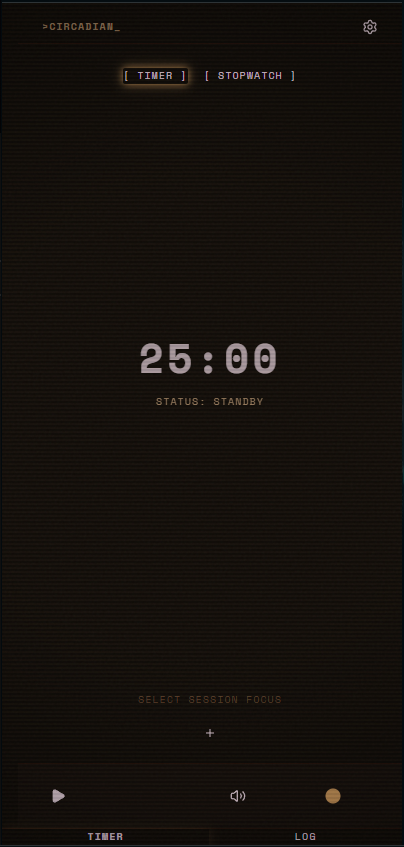
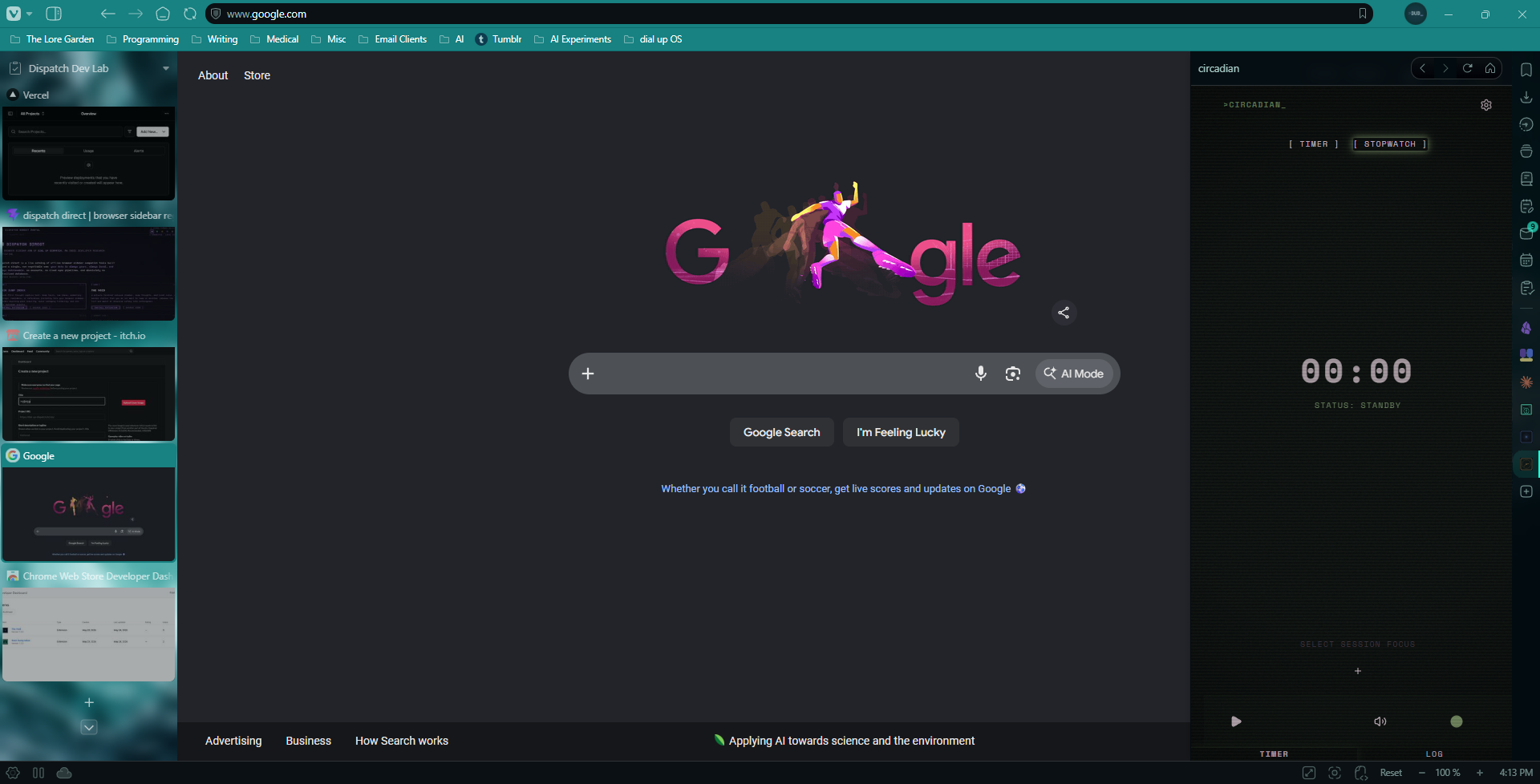
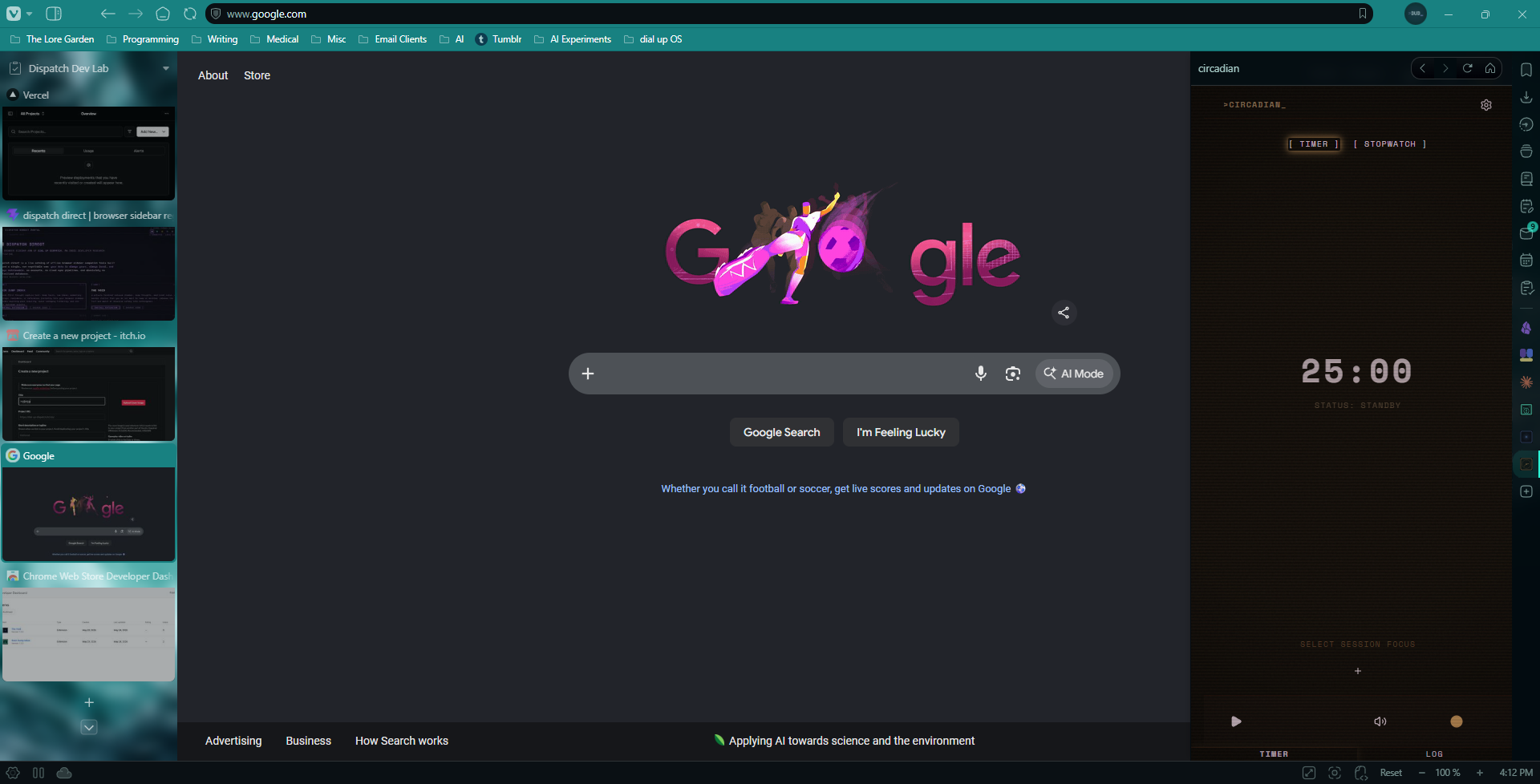
a focus timer that lives beside you in the browser sidebar. nothing more. nothing less.
two modes: a countdown timer and a stopwatch. a quiet personality that notices when you start, when you finish, and when you stop early. a history log that stays out of your way until you want it. plain markdown export whenever you need it.
your session data lives in your browser. your exports are plain .md files. no accounts, no cloud sync, no servers. if >circadian_ disappeared tomorrow, everything you logged would still be there — readable, yours, exactly as you left it.
this extension was developed with AI-assisted coding. i work with AI tools as a development partner: reviewing the code myself, making changes, learning from the process, and making intentional decisions throughout. you, and your tools, deserve honesty. full stop.
Download
Install instructions
Installing from the zip file:
Chrome, Vivaldi, Brave, or Edge:
- Download
circadian-chrome.zipand unzip it to a folder on your computer - Open your browser and go to
chrome://extensions - Enable Developer Mode (toggle in the top right corner)
- Click Load unpacked and select the unzipped folder
- circadian will appear in your extensions and sidebar
Leave a comment
Log in with itch.io to leave a comment.